Interiors · Exteriors · Gardens
See the room you have as the room you want.
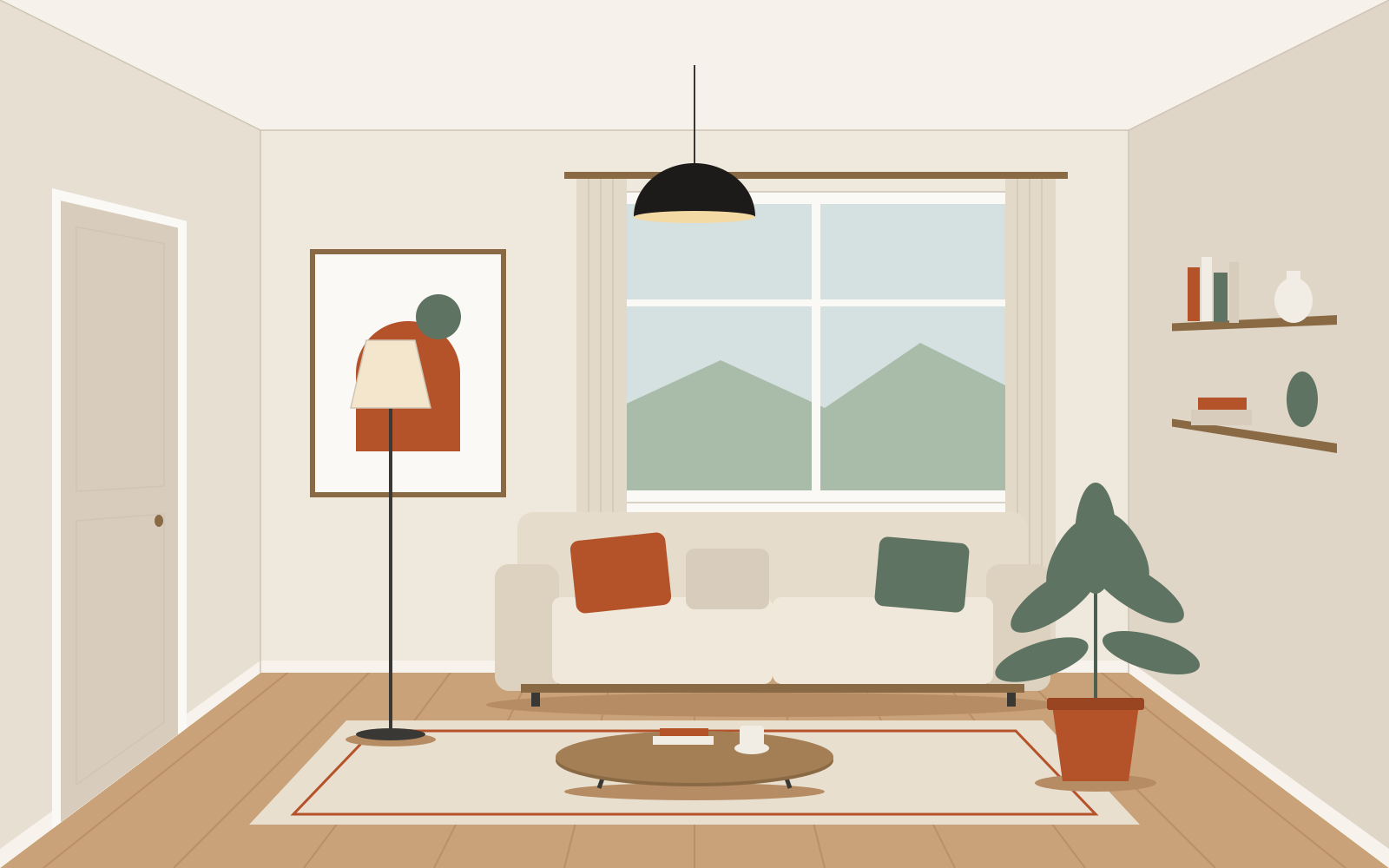
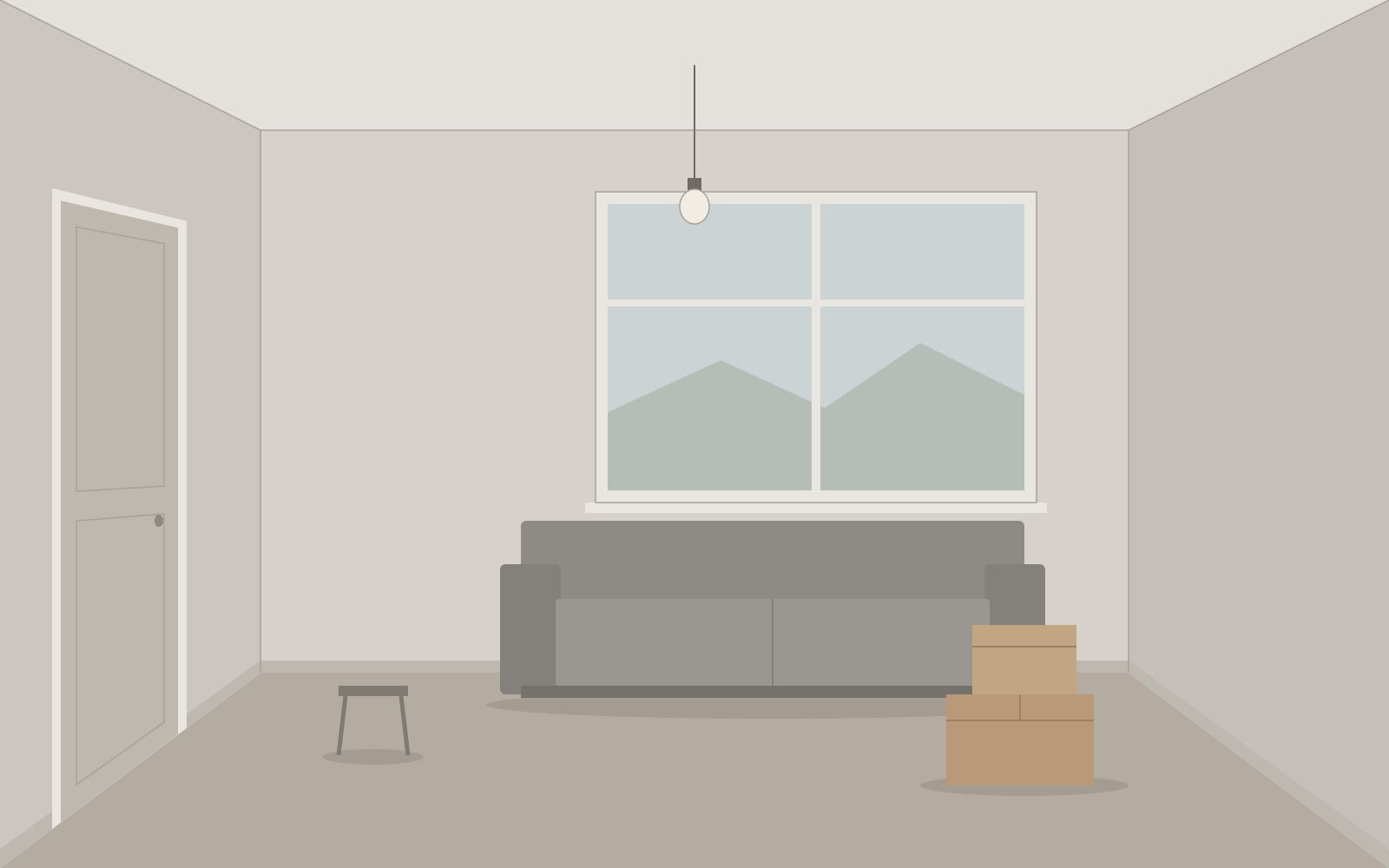
Photograph a room, a façade or a garden and choose a style. Home Design Assist redraws it with the walls, windows and doors left exactly where they are.
Coming to iOS and Android
iOS 15 or later · Android 7 or later3 full-quality designs free. No sign-up.
What we do differently
We read what people say about apps in this category and built ours around the complaints. These are rules of the product, not slogans.
-
The structure stays put
“Keep structure” is on by default. Walls, ceiling, windows, doors and the camera angle are pinned, so you get your own room back and not somebody else’s. If a result still moves a wall, report it and the credit is returned.
-
Free designs before any paywall
Your first 3 designs are free, at full resolution and without a watermark. Plans are shown only after you have seen a result, and the close button is there from the first second.
-
No weekly plans
Monthly or yearly, nothing else. The free trial exists only on the yearly plan. Its price and the date you would be charged are printed on the same screen, and you get a reminder before the trial ends.
-
Failed generations are not charged
If a design fails, the credit comes back automatically. If one comes out broken, report it from the result screen and it is refunded.
-
Cancel in one tap
“Manage subscription” in Settings opens your store’s subscription page directly. The support address and data deletion sit on the same screen.
-
Regenerate means a new design
Every request returns 2 distinct variations. Asking again changes the design direction instead of handing back the same picture.
Ten tools, one photo
Everything listed here is in the app today. Nothing is marked “coming soon”.
-
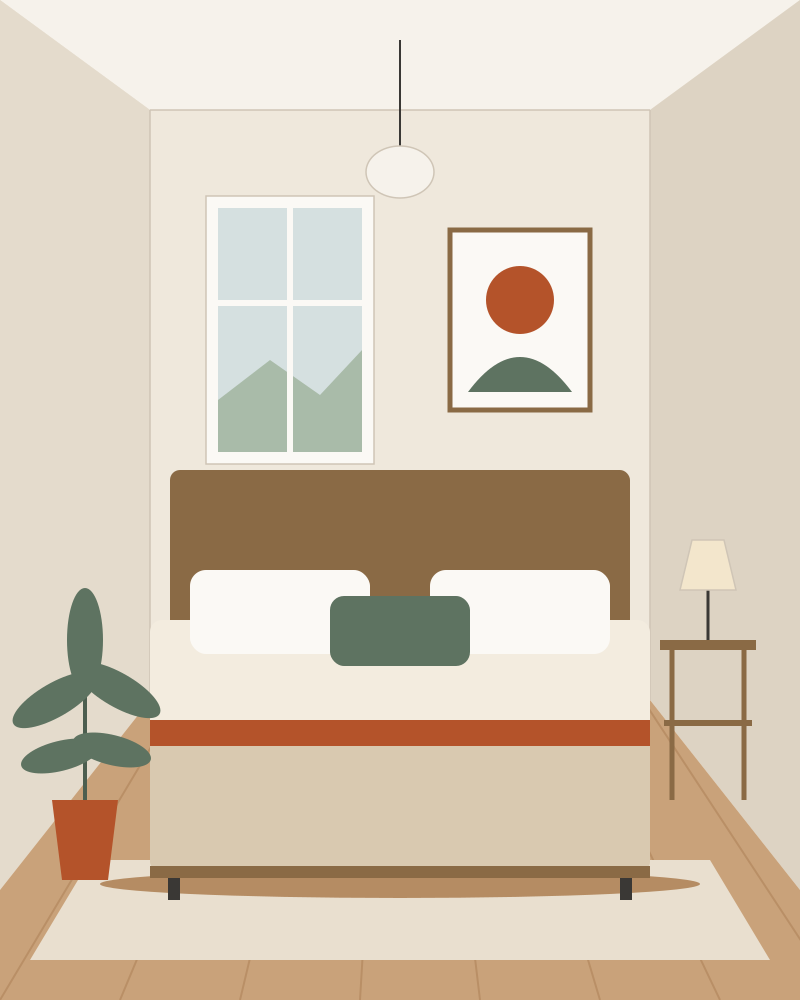
Illustration Redesign interior
Any room, restyled. Pick the room type and a style; add your own prompt or a reference photo if you have one.
-
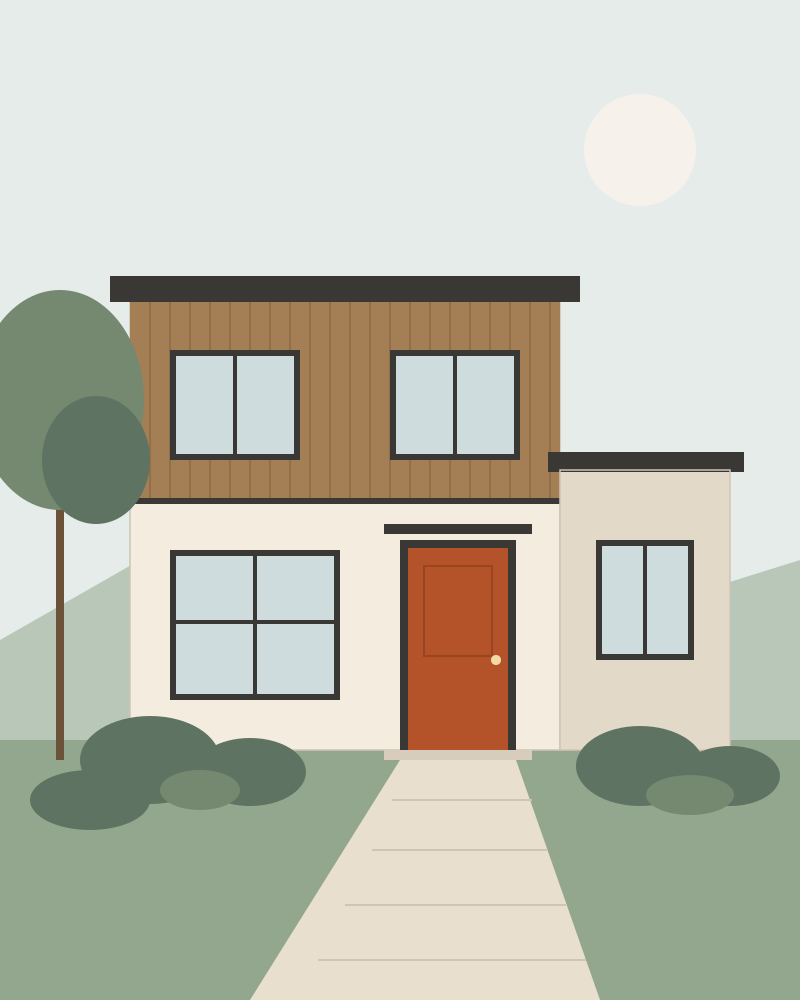
Illustration Redesign exterior
New cladding, colour and detailing for a house or a building. Its shape and openings stay as they are.
-
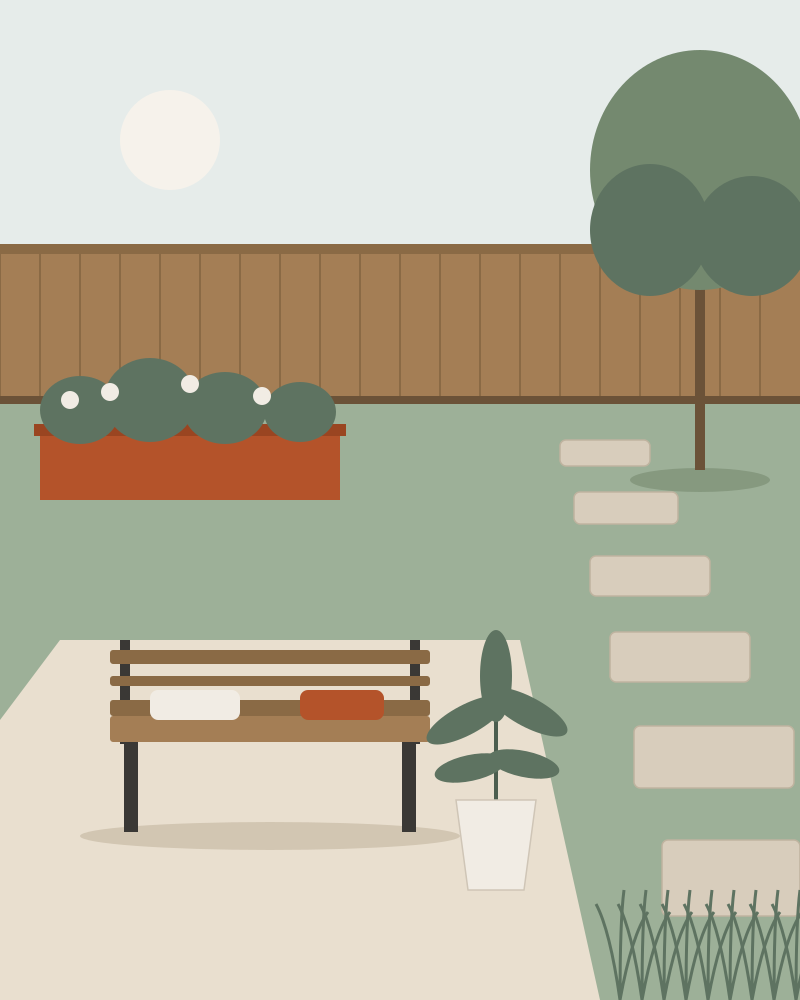
Illustration Garden & landscape
Planting, paths, paving and seating for the outdoor space you photograph.
-
Wall paint
Choose a colour and a finish and see it on your walls.
-
Flooring
Swap the floor for another material.
-
Furnish empty room
Furnish an empty room in the style you choose.
-
Empty the room
Take out furniture and clutter to see the bare space.
-
Replace or remove object
Brush over an object and describe what should be there, or leave it blank to remove it.
-
Refine with text
Tell a result what to change, in one sentence.
-
HD export
Upscale a result you want to keep.
Every result can be compared with a before/after slider, saved, shared, marked as a favourite, refined, exported in HD or reported.
Three steps to a result
-
Photograph the space
Take a photo or pick one from your gallery. There is no account to create.
-
Choose a room and a style
Pick the room type and a style. Add a prompt, a reference photo or a colour when you want more control.
-
Compare and keep
You get 2 variations. Drag the before/after handle, refine with a sentence, then save or share.
The whole price list
US prices. Your store shows the price in your own currency before you confirm anything.
-
Free
$0
- 3 designs when you first open the app
- Full resolution, no watermark
- +1 credit for an ad you choose to watch, up to 3 a day
- No banners, no pop-up ads
-
Pro Monthly
$9.99
per month
- Designs do not use credits
- HD export included
- No ads
- Fair-use limit: 40 requests a day
- Renews monthly until you cancel
-
Pro Yearly
7-day free trial$39.99
per year
- Everything in Pro Monthly
- 7 days free, then $39.99 a year
- Charge date shown before you start
- Reminder before the trial ends
- Renews yearly until you cancel
-
60-credit pass
$7.99
one-time
- 60 credits
- Credits never expire
- Not a subscription, nothing renews
- One credit is one design request, which returns 2 variations. Refining a result costs 1 credit; HD export costs 1 credit on Free and the pass and is free with Pro.
- A failed request, or a result you report as broken, is refunded automatically.
- Subscriptions are billed by Apple or Google and renew automatically until you cancel in your store’s subscription settings. There is no weekly plan.
Frequently asked
Do I need to create an account?
No. The app creates an anonymous account tied to your installation the first time you open it. We do not ask for your name, e-mail address or phone number.
What happens to my photos?
A photo is uploaded to our server and sent to a third-party AI image provider only to generate the design you asked for. Photos are not used to train AI models and are not shared with anyone else. Photos and results are deleted 90 days after you stop using the app, and you can delete everything at once in Settings.
Will the AI move my windows or walls?
“Keep structure” is on by default and instructs the model to leave geometry, openings and the camera angle unchanged. No AI model gets this right every single time. When a result changes the structure, report it from the result screen: the credit is returned and you can run it again.
Is it really free to try?
Yes. The first 3 designs are free, full resolution and without a watermark, and no payment details are needed. After that you can watch an ad for 1 more credit (up to 3 a day), buy a credit pass or subscribe.
How does the free trial work?
The 7-day trial is offered only with the yearly plan. If you do not cancel at least 24 hours before it ends, your store charges $39.99 for the first year. The date is printed on the purchase screen, and the app reminds you before the trial ends.
How do I cancel?
Open Settings in the app and tap “Manage subscription”. This opens the subscription page of the App Store or Google Play, where you cancel. You keep Pro until the end of the period you have paid for.
What if a design fails or looks wrong?
A request that fails never uses a credit. If a result comes back broken or with the structure changed, report it and the credit is refunded once for that design.
Can I build from these designs?
Treat them as inspiration. The images are AI-generated illustrations, not architectural, structural or engineering drawings, and the dimensions are not reliable. Ask a qualified professional before any building work.
How do I delete my data?
In the app: Settings → Delete my data. This removes your account, photos, designs and history from our server. If you no longer have the app, see the delete-account page.
Something else? Contact support
Start with a photo of your own room.
3 designs are free. You will see a result before you see a price.
Coming to iOS and Android
iOS 15 or later · Android 7 or later